You built it. Now make it look launched.
AI turns plain screenshots into App Store sets, Product Hunt galleries, link previews, and social posts. Icons, ads, a preview video, store copy, a landing page, and legal docs live in the same project. No design skills needed.
No credit card required · 3 free credits
Ship reports in seconds
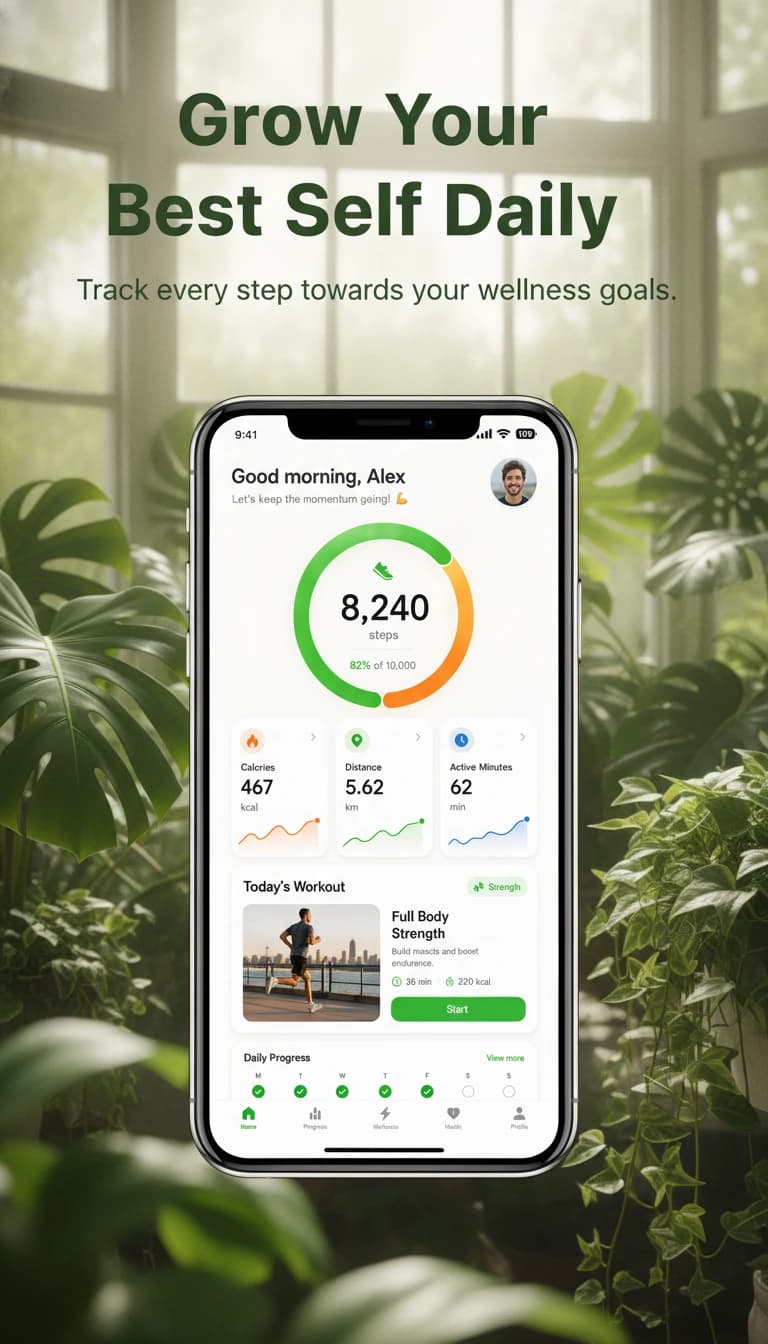
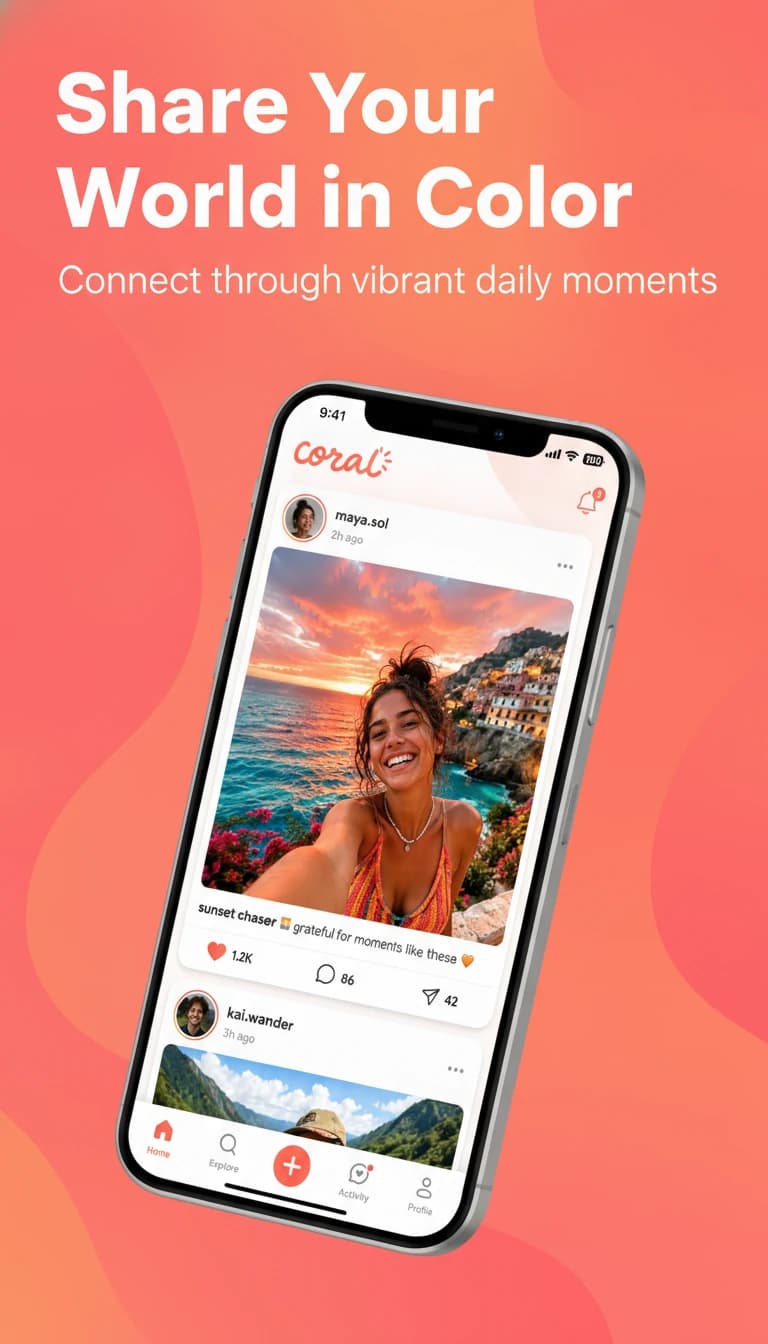
Exports at the exact size for
- App Store
- Google Play
- Product Hunt
- X
- Link previews
- Your website
Real Results
From raw screenshot to store-ready.
Drag the handle to see exactly what changed. Every result started as the plain app screenshot underneath it. No designer. No Photoshop.
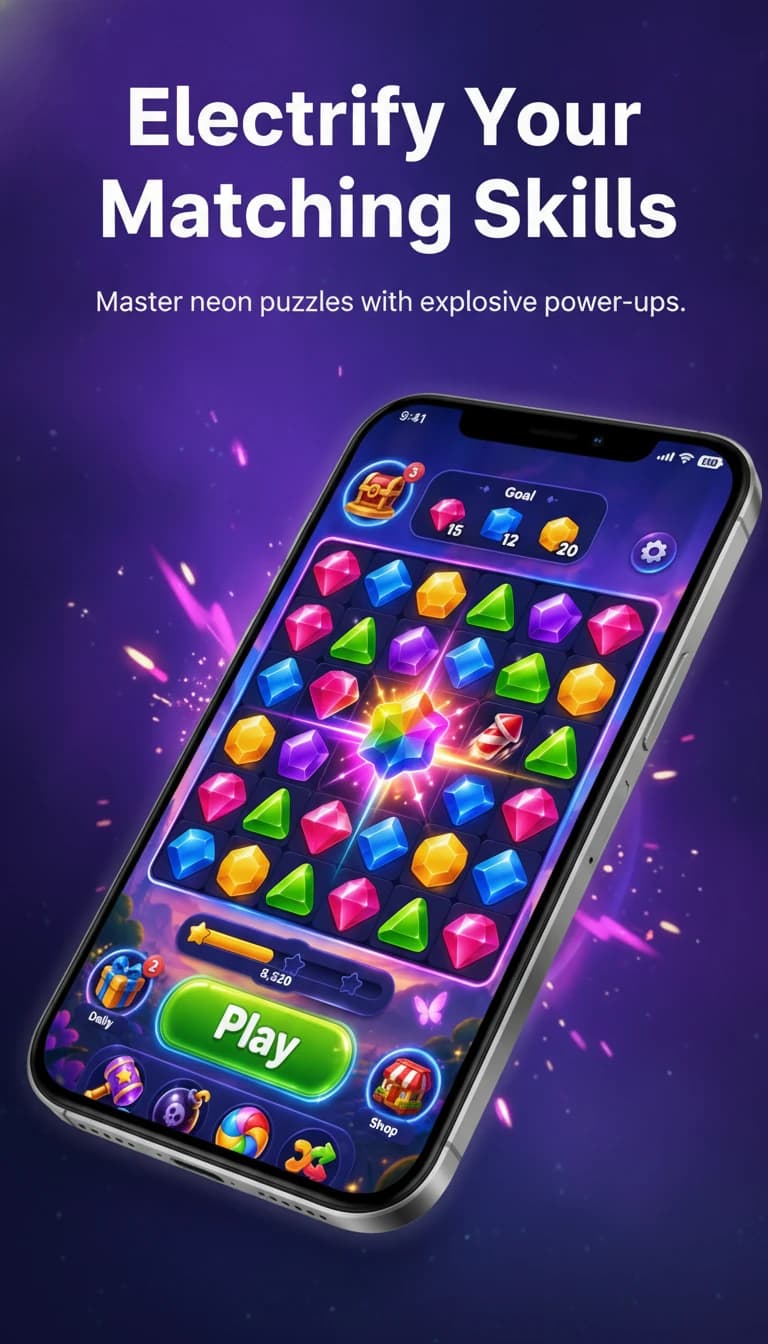
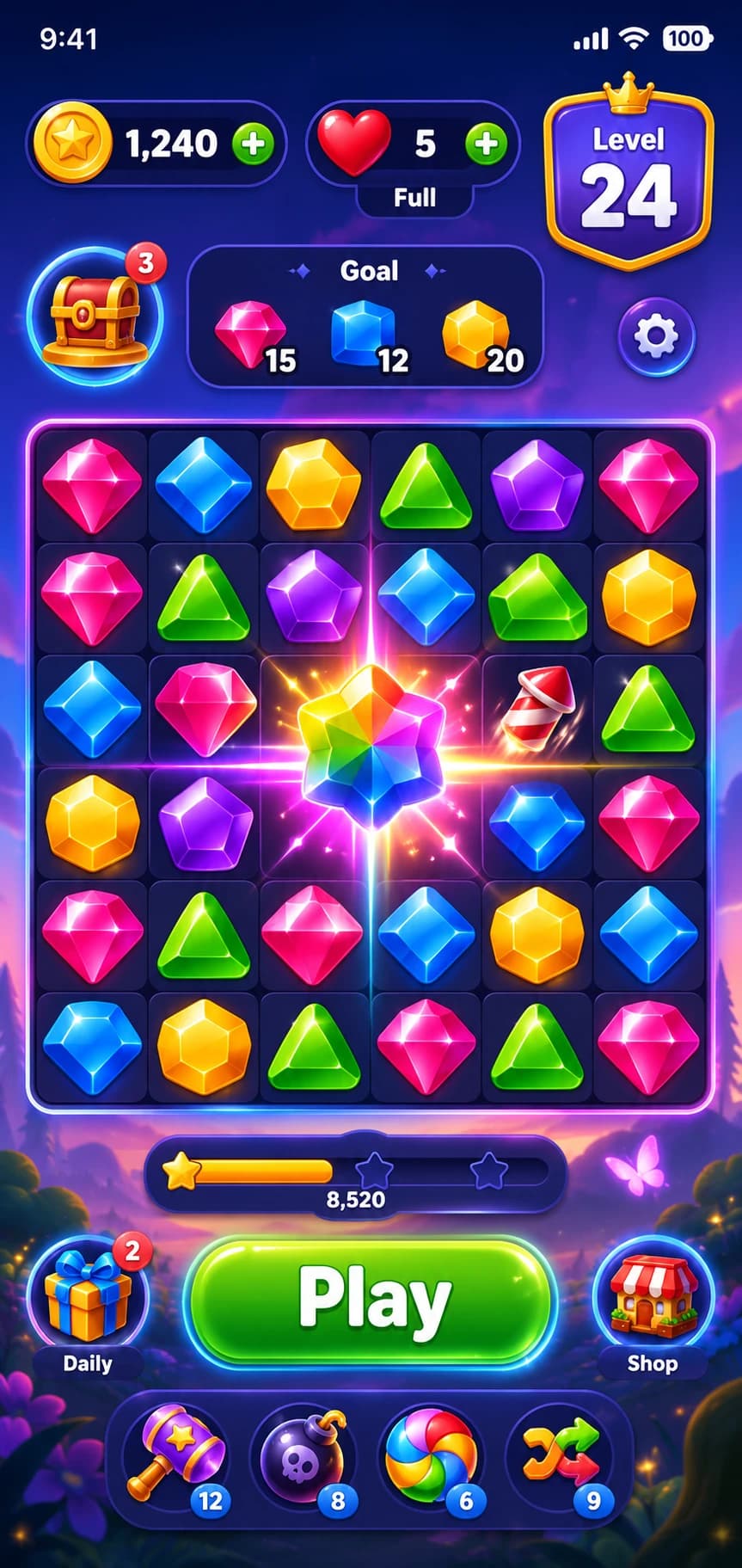
Generated in about 30 seconds from the raw screenshot
The toolkit
Every launch asset, in one project.
Nine tools that share your app name, description, and icon, so everything you make matches. Here is what each one hands back.
Screenshots people stop scrolling for.
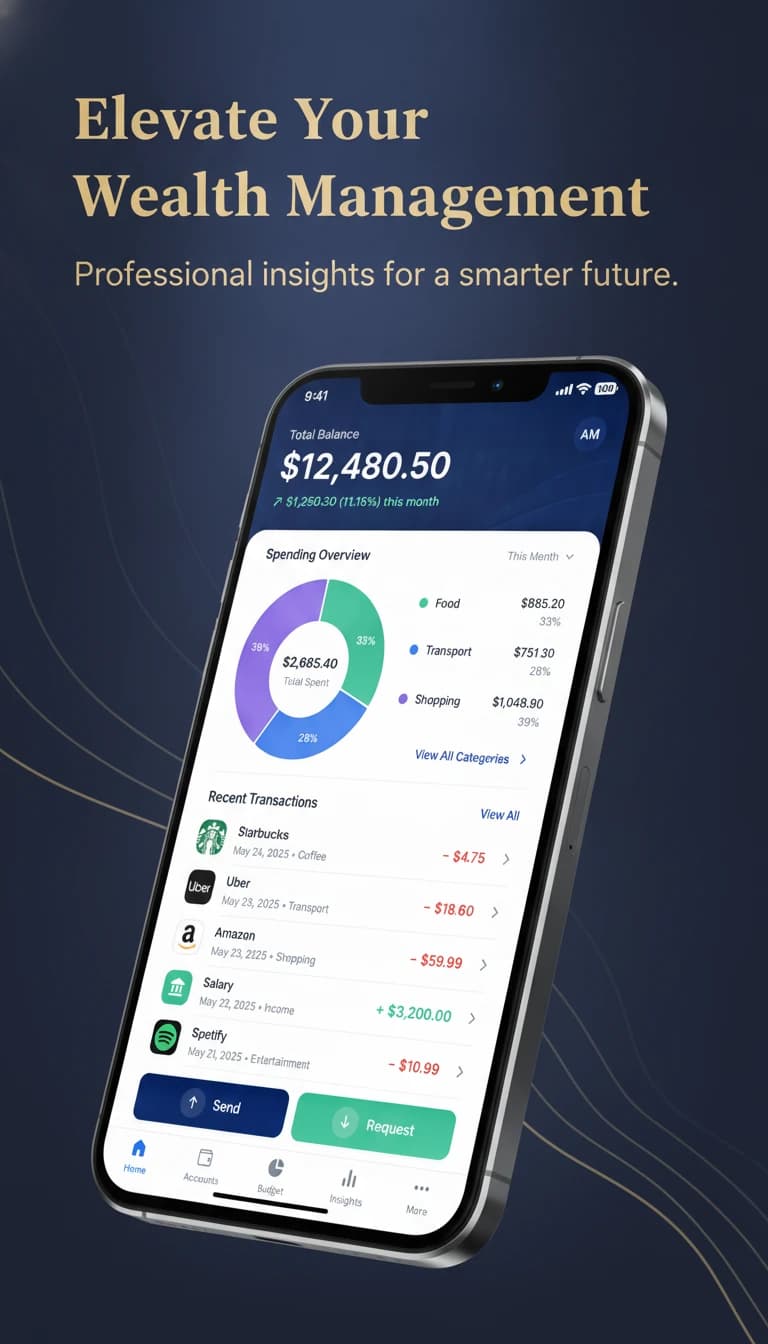
Drop in plain screenshots of your app, site, or dashboard. The AI frames them in a phone, browser, or laptop, builds the background, and writes the headline, at the exact size each store and platform asks for.
- App Store, Google Play, Product Hunt, link preview, X, LinkedIn, and Instagram sizes
- iPhone, Android, browser, and laptop frames, or none at all
- Refine by chatting: "warmer colors", "tilt it left", "add light rays"
How It Works
From screenshot to launch day.
Four steps, about a minute for the first set.
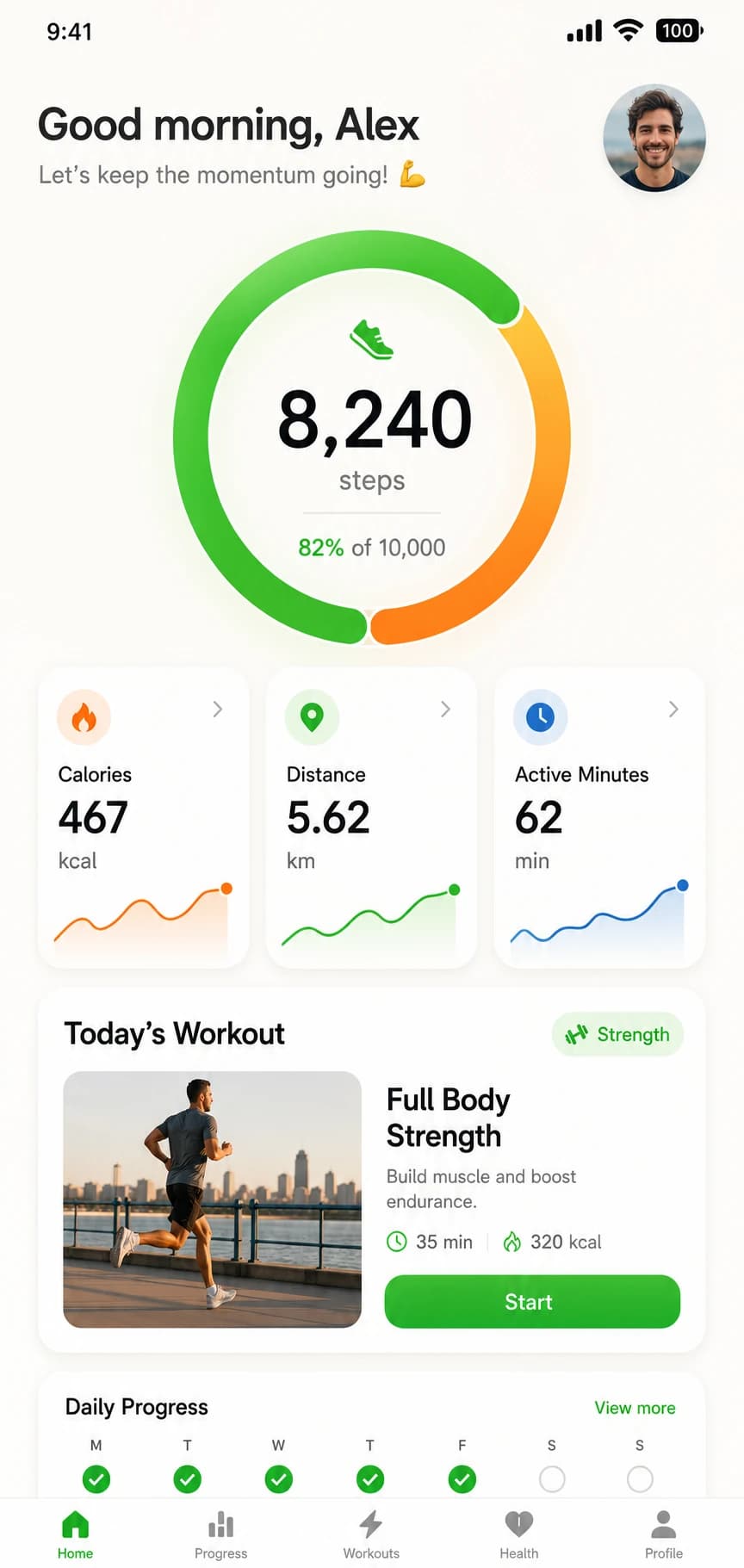
Drop your screenshot
PNG, JPG, WebP
01
Start a project
Name what you are launching and drop in a plain screenshot of your app, site, or dashboard. No cropping or prep.
or describe your own style...
02
Describe the look
Pick a preset or type a few words. The AI handles the background, the frame, and the headline.
Generating 4 variations...
03
AI does the design work
A finished design in about 30 seconds. Keep chatting to refine it, then reuse the project for icons, ads, and copy.
04
Export at exact sizes
App Store, Google Play, Product Hunt, link previews, and social posts, in one batch download.
The Alternative
The other two options.
Hire it out, or do it yourself at midnight. Here is how that compares.
The faster path
Ship your listing today
One workspace for every asset your app needs to launch.
- Screenshot set for one app
- About 5 minutes
- Typical cost per listing
- A few credits
- App icon at every size
- Included, one ZIP
- Ad creatives per placement
- Generated per format
- ASO copy inside character limits
- Counted as you write
- Privacy policy and terms
- Generated from your answers
- Changing your mind
- Regenerate
3 free credits. No credit card required.
Hire a designer
Do it in Figma
WhixFrame
Pricing
Simple plans. No surprises.
Credits power every AI tool. Most generations cost 2 credits, landing pages 4. Launch Pack credits never expire. Pro and Business credits refresh monthly.
Pro
For developers shipping every month.
100 credits per month
- 100 credits monthly
- Hosted landing pages
- Watermark-free downloads
- ZIP batch export
Launch Pack
One app or product, fully launched. No subscription.
20 credits, never expire
- About 10 generations, or 8 plus a hosted page
- Screenshots, ads, icons, privacy policy
- Watermark-free downloads
- Monthly credit refresh
Business
For agencies running several apps.
400 credits per month
- 400 credits monthly
- Everything in Pro
- 4x the credits of Pro
Not ready to pay? Start free with 3 credits.
FAQ
Got questions?
What can I create with WhixFrame?
Everything a launch needs, from nine tools in one project: App Store and Google Play screenshots, Product Hunt gallery images, link previews, social posts, app icons, ad creatives, preview videos, store copy, a hosted landing page, and legal documents.
Do I need design skills?
No. WhixFrame is built for developers and founders who want professional results without Figma or Photoshop. Add a screenshot, describe the look you want, and the AI does the design work. Keep chatting to refine it.
How does the pricing work?
You get 3 free credits when you sign up. After that, the one-time Launch Pack gives you 20 credits for $7 that never expire, with no subscription. If you ship often, Pro gives you 100 credits a month for $19 and Business 400 for $59. Most generations cost 2 credits, and a full hosted landing page costs 4.
What export formats are supported?
Export screenshots as PNG, WebP, or JPG in up to 4K resolution. Batch export sets as ZIP. Landing pages export as HTML, and legal documents as text files.
Is it only for mobile apps?
No. It works for SaaS products, websites, and browser extensions too: frame your product in a browser or laptop, or use no device at all, and export Product Hunt images, link previews, and social posts. For apps, it covers iPhone, iPad, and Android with the exact App Store and Google Play sizes.
From the Blog
Launch guides.
Launch faster.
Convert better.
Nine tools, three free credits, and no credit card. See your launch visuals before you spend a thing.
Get Started FreeTakes 30 seconds · No credit card